


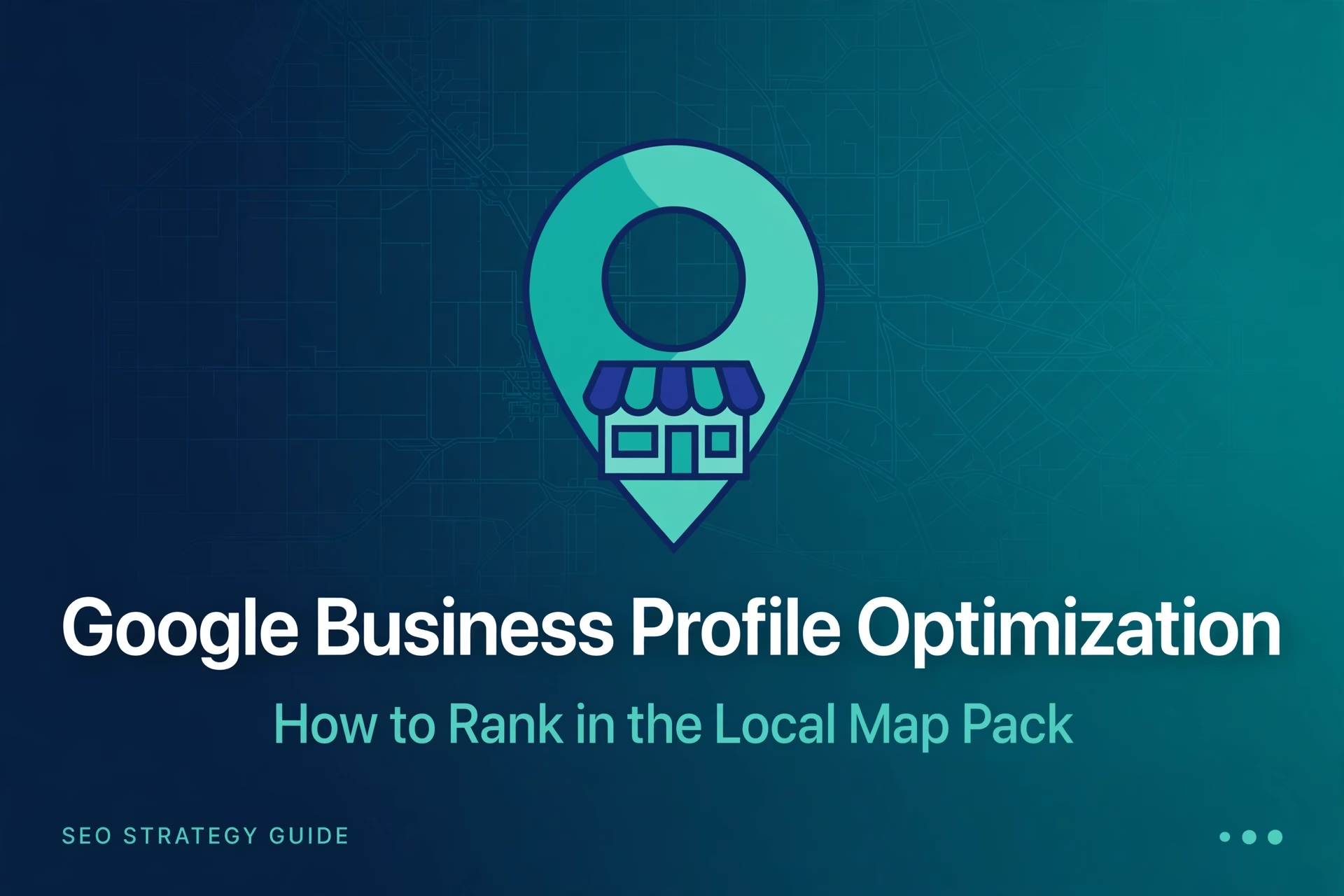
Why the Local Map Pack Is the Most Valuable Spot in Local Search
When someone searches for a plumber, a dentist, or a restaurant near them, the first thing they see on Google is not a list of websites. It is a map with three business listings underneath it. That box, the local map pack, gets the majority of clicks for searches with local intent, because it answers the searcher’s question in one glance: who is nearby, who is open, and who is rated well.
Your website can rank on page one of the organic results and still lose the customer to a competitor sitting in the map pack. The profile that appears there is not your website. It is your Google Business Profile, the free listing Google maintains for your business (renamed from Google My Business in 2021; same system, new name). For a local business, Google Business Profile optimization is not a side task. It is the single highest-leverage local SEO work you can do.
How Google Chooses Who Appears: Relevance, Distance and Prominence
Google is open about how local results are ranked. Its public documentation names three factors: relevance, distance and prominence. Understanding all three keeps you from wasting effort on the wrong lever.
Relevance is how well your listing matches what the searcher asked for. Complete categories, services and description text tell Google what you do and who you do it for. This is the factor you control most directly.
Distance is how far your business is from the location used in the search. You cannot move your shop, but you can set accurate service areas if you travel to customers, and you should never fake a location. Listings that misrepresent their address get suspended.
Prominence is how well known your business is: review count and rating, links from local websites, and how often people click on your listing. Prominence is where most rankings are won or lost, because two businesses can be equally relevant and equally close, and the one with stronger signals appears first.
| Ranking factor | What Google measures | What you control |
|---|---|---|
| Relevance | How closely your listing matches the search | Categories, services, description, attributes |
| Distance | How close you are to the searcher | Accurate address or service areas; nothing else |
| Prominence | How trusted and well known the business is | Reviews, local links, photos, active profile management |
The rest of this guide follows that framework. If you are new to local SEO generally, our local SEO services for small business page explains how profile work fits into the wider picture. For the background on local search itself, Wikipedia’s overview of local search engine optimisation describes the Local Pack and how business listings feed it.
Step 1: Claim, Verify and Secure Your Profile
None of the optimization below works on an unclaimed listing. Search for your business name on Google and claim the profile through a Google account you control, then verify it, usually by postcard to the business address. If you have not created a profile yet, our walkthrough on how to set up a Google Business Profile covers creation and verification step by step.
Two ownership rules prevent most headaches later. First, the profile must be owned by the business, not by whoever set it up. Grant agencies manager access instead; this is one of the questions to ask an SEO agency before hiring. Second, if a duplicate listing already exists on Maps, request a merge. Duplicates split your reviews and confuse Google.
Step 2: Choose the Right Primary and Secondary Categories
Categories are the strongest relevance signal on your profile. Google offers thousands of them, and the choice matters more than most businesses realise.
Your primary category should describe what your business is, not what it sells. A business that installs kitchens should use “Kitchen remodeler”, not “Kitchen supply store”. Google only allows one primary category, and it carries the most weight, so pick the one that matches your main revenue source.
Secondary categories then cover the rest of what you do, without stretching beyond reality. A dental clinic can add “Cosmetic dentist” and “Emergency dental service” if it genuinely offers both. Do not add categories for services you do not provide; Google treats that as misleading, and competitors can suggest edits to your listing. Review your categories twice a year, since Google adds and retires categories and businesses drift into new services.
Step 3: Complete Every Field That Matters
An incomplete profile signals to Google that the business may not be active, and it gives searchers less reason to click. Work through every field:
- Business name: your real-world name, exactly as it appears on your storefront and website. Adding keywords to the name (“Best Pizza Downtown Chicago”) violates Google’s guidelines and risks suspension.
- Address and service areas: show the address if customers visit you; otherwise hide it and define service areas honestly, by city or region.
- Hours: regular hours plus special hours for holidays. Nothing damages trust faster than a customer arriving at a closed door that Google said was open.
- Phone and website: a number you actually answer, and a link to your homepage or, better, a location page built for that branch.
- Description: 750 characters to say what you do, who you serve and what makes you different. Use natural language and the terms customers search for, once each, not a keyword list.
- Services and products: list every service with a short description. This is where long-tail relevance is built: each named service is another search you can match.
- Attributes: wheelchair access, women-owned, outdoor seating, free Wi-Fi. Attributes appear as filters in some searches, so missing ones can exclude you from filtered results.
- Opening date and appointment links: Google uses opening date as a small trust signal, and booking links turn views into enquiries.
Step 4: Reviews That Earn Clicks and Rankings
Reviews influence all three parts of the map pack equation: a prominence signal for Google, a relevance signal through the words customers use, and the deciding factor for the human choosing between similar listings. Asking is allowed; buying or incentivising reviews is not. Build the ask into your process: ask at the end of the job while the customer is satisfied, and create a short review link from your profile dashboard so leaving one takes a single tap.
Respond to every review, not just the positive ones. Thank happy customers by name and mention the service they received, which adds natural, relevant text to your profile. For negative reviews, respond calmly, acknowledge the issue, and move the resolution offline. A measured response to a one-star review often impresses future customers more than a page of five-star praise.
Never fake reviews, and never pay for them. Google removes fake reviews in waves and can suspend profiles involved in review manipulation. One suspension costs more than any short-term gain.
Step 5: Photos, Posts and Q&A That Keep Your Profile Active
Listings with photos get noticeably more engagement than listings without them, because searchers trust what they can see. Upload real photos: the storefront from the street so customers recognise it, the interior, the team at work, and the actual products or results. Avoid stock photography; it sets expectations the real business cannot meet. A short, unpolished video of the shop floor or a technician explaining a service builds trust faster than any description.
Use Google Posts the way you would a noticeboard. Weekly posts about offers, new services, events or seasonal reminders keep the profile looking alive, and each post is another piece of content tied to your business. Posts expire after a while, so treat them as a recurring habit, not a one-time task.
Check the Questions and Answers section monthly. Anyone can ask a question on your listing, and anyone can answer, including competitors. Pre-populate it with the questions you hear most often, and answer them yourself before someone else does.
Step 6: NAP Consistency and Local Citations
NAP stands for name, address and phone number. Google cross-checks your details against what appears on your website, on directories and across the web. When the details match everywhere, Google trusts the listing. When they differ, Google trusts it less, and customers get confused.
Start with your own website. Your contact page and footer should show the exact same name, address and phone number as your profile, down to formatting. Then audit the major directories for your market: fix duplicates, claim unclaimed listings, and remove old addresses from closed locations. Inconsistent citations are one of the most common reasons a well-optimized profile still underperforms.
Beyond consistency, local links build prominence. A mention from a local newspaper, a chamber of commerce listing, or a supplier’s “where to buy” page tells Google that real organisations in your area recognise the business. These are earned through actual local involvement, not bought in bulk. Our article on how to rank on Google Maps goes deeper into the link and citation side of local visibility.
The Google Business Profile Optimization Checklist
Use this as a monthly routine. Most items take minutes; the full pass takes under an hour once the profile is set up.
| Area | What to check | How often |
|---|---|---|
| Ownership | Profile claimed under your account; manager access only for agencies | Once, then on staff changes |
| Categories | Primary category matches main revenue; secondaries are honest | Twice a year |
| Core fields | Name, address, phone, hours, website, description complete | Monthly |
| Services and products | Every service listed with a description | Quarterly |
| Reviews | New reviews requested; all reviews answered | Weekly |
| Photos and video | Fresh real photos added; no stock imagery | Monthly |
| Posts | New post published | Weekly |
| Q&A | New questions answered; FAQs pre-populated | Monthly |
| NAP consistency | Website and key directories match the profile exactly | Quarterly |
| Insights | Views, calls and direction requests trending; act on drops | Monthly |
Profile insights deserve a special mention. Google shows how many people found your listing, what they did next, and which queries triggered it. If calls are flat while views grow, the problem is conversion, usually photos, reviews or hours, not rankings. If views themselves fall, check for a suspended listing or a category change before assuming the worst.
Mistakes That Keep Businesses Out of the Map Pack
After auditing local profiles for years, the same errors appear again and again. Most are fixable in an afternoon.
- Keyword-stuffed business name. Adding the city and services to your name might have worked years ago. Today it is the fastest route to a suspension, and competitors can report it.
- Wrong or missing primary category. The single most common relevance failure. If your category does not match your main service, Google will not show you for your most valuable searches.
- Service-area businesses showing a home address. If customers do not visit you, hide the address and set service areas. Showing a residential address you do not serve from creates trust and policy problems.
- Ignoring the listing for months. Stale hours, unanswered reviews and no new photos signal an inactive business. Google notices, and so do customers.
- Duplicate listings. An old unclaimed listing with the previous phone number splits reviews and confuses Google. Find duplicates and request merges.
Frequently Asked Questions
How long does Google Business Profile optimization take to show results?
Small changes like corrected categories and completed fields can affect visibility within days to weeks. Reviews, photos and citation work compound over months. Most businesses see meaningful movement in the map pack within one to three months of consistent work, assuming no suspension or duplicate-listing issues are holding them back.
Is the map pack the same as organic search rankings?
No. The map pack is driven by your Google Business Profile and local signals, while organic rankings are driven by your website’s content and authority. A business can rank in the map pack without ranking well organically, and vice versa. The strongest local presence has both. Our SEO services cover both sides together.
Can a service-area business rank in the map pack without a storefront?
Yes. Plumbers, cleaners and similar businesses rank in the map pack with hidden addresses and defined service areas. What matters is that the service area is honest and the rest of the profile is strong. Do not use a fake address or a virtual office to appear in a city you do not serve; Google suspends listings for this.
Do Google Posts actually help rankings?
Posts are a weak direct ranking factor but a strong indirect one. They keep the profile active, give searchers a reason to click, and let you communicate offers where customers actually look. The benefit comes through engagement and freshness signals. Publish them weekly as a habit, not as a tactic.
Should I hire someone to manage my Google Business Profile?
The basics in this guide are manageable for most owners. Hiring makes sense when you serve multiple locations, operate in a competitive metro, or want reviews, posts, citations and reporting handled consistently. Keep ownership of the profile and grant manager access. For pricing context, see our guide on how much SEO costs per month; regional examples are on our SEO services in Qatar page, and common questions are in our FAQs.
Bringing It Together: Profile, Website and Ongoing Work
Google Business Profile optimization earns you the map pack, but the profile does not work alone. It points to your website, and a thin or slow website leaks the traffic the profile wins. Keep location pages, contact details and reviews in sync across both, and treat the profile as a living asset with a monthly routine.
If you would rather have the whole system handled, profile, citations, review strategy and reporting, that is what our local SEO work covers. Request a free quote: we will review your current profile, tell you what is holding it back, and give you an honest scope before you commit.